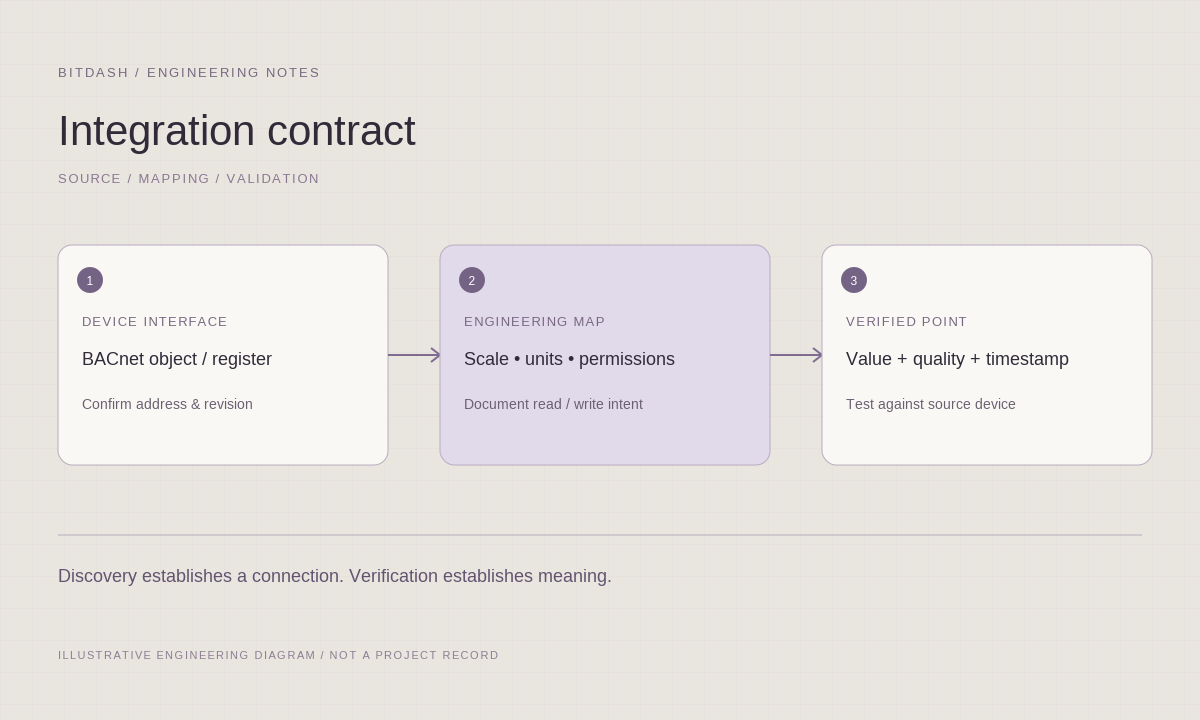
Communication is the starting point. A usable integration also needs correct meaning, quality and agreed command behavior.
Confirm the interface you actually have
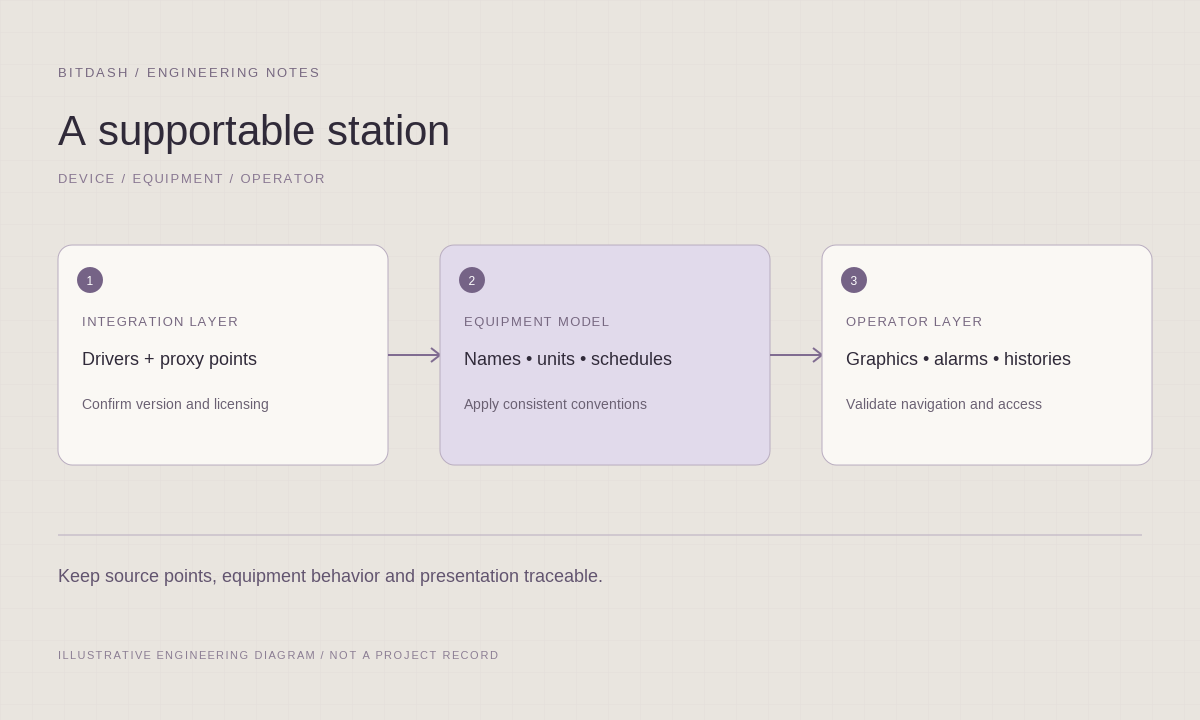
Request the installed device model, firmware, available interface and manufacturer’s current point or register map. Record the intended protocol, network details, update expectations and licensing dependencies. The same equipment family can have different supported points or interfaces across versions.
BACnet uses standardized objects and services, but supported capabilities vary by device. The BACnet Committee explains that the protocol does not provide a common programming method and that configuration is still required. Check the applicable device documentation rather than assuming discovery proves full interoperability.
Turn the map into an engineering schedule
For BACnet, identify the device, object type and instance, relevant property, engineering units and intended use. For Modbus, record the function, address convention, data type, register width, byte or word order and scaling from the equipment map. Confirm how the supplier numbers registers before applying an offset.
A numeric response can look plausible while describing the wrong quantity. Verify representative values against the equipment’s own display or another agreed reference. Keep the raw value, conversion and final engineering value traceable.
Handle temperature and value quality correctly
If a source exposes a different native temperature unit, convert the value before presenting Fahrenheit. For a numeric example, a source value equivalent to 72°F must appear as 72°F throughout the agreed operator workflow. Check alarm thresholds, calculations and history displays as well as the current value.
Temperature differences require a different conversion from absolute temperatures. Also define how stale, faulted or unavailable values appear. A last-known value should not silently look like a healthy live reading.
Agree permissions and verify the result
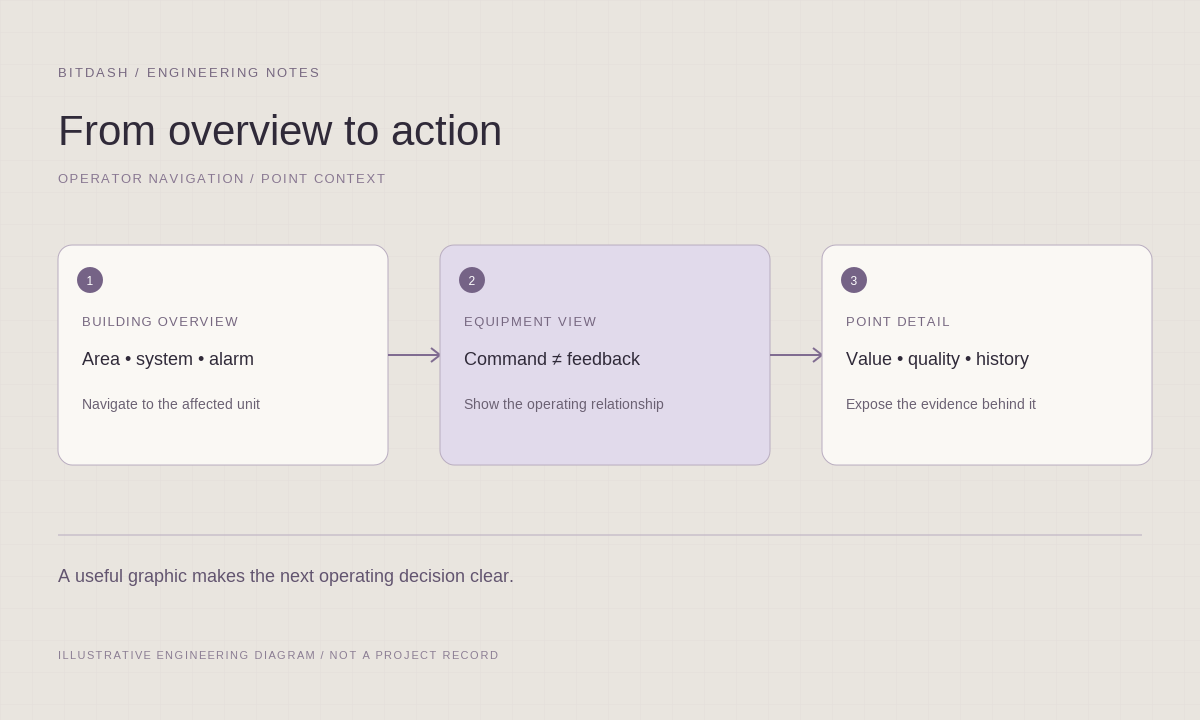
Identify which values are read-only and which may be commanded. Document limits, ownership and release behavior for writable values. Test commands only through the authorized project procedure and coordinate physical response with the local team.
A completed integration record includes the approved map revision, configuration, representative checks and unresolved exceptions. Bitdash can support that mapping, supervisory setup and remote verification as a defined work package.
| Review item | Why it matters | What to record |
|---|---|---|
| Point identity | Avoid mapping the right number to the wrong equipment | Device / object or register reference |
| Scaling and units | Preserve the physical meaning of the value | Raw format, conversion and °F display |
| Quality and timing | Distinguish live data from a stale response | Update expectations and fault treatment |
| Command intent | Keep writes within the agreed responsibility | Permissions, limits and verification |
A practical review checklist
- The map matches the installed model and version.
- Scaling, addressing and representative values are checked.
- Commands and unavailable-data behavior are agreed.
Technical references
Platform and protocol context. Project requirements are confirmed against the installed equipment and approved design.
This guide describes an engineering approach. Final design values, testing responsibilities and deliverables follow the approved project scope.