A useful graphic connects equipment context, trustworthy values and a clear next action.
Design the route from overview to equipment
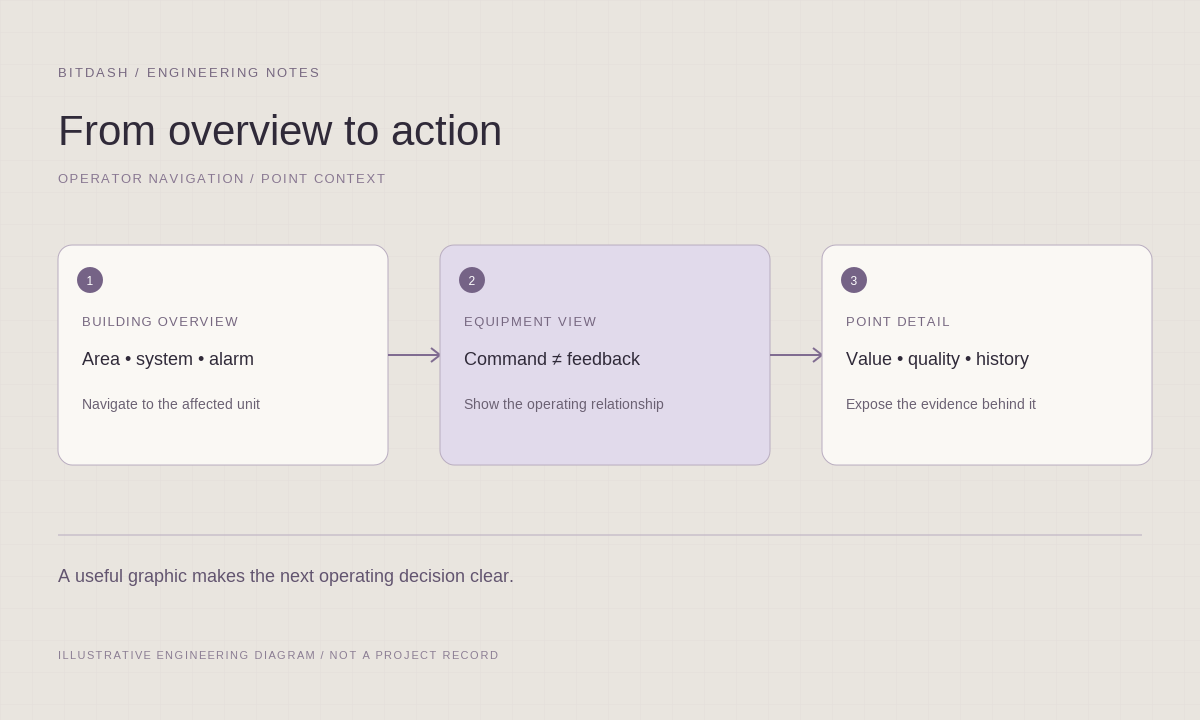
Begin with the tasks operators perform: finding an alarm, identifying a zone, checking a schedule or understanding why equipment is running. Organize campus, building, floor and equipment views so the route between them is predictable.
A visually detailed floor plan is valuable when it helps identify the right space or system. Pair it with consistent equipment names and navigation targets. Keep frequently used information visible instead of scattering it across unrelated screens.
Show operating relationships
Equipment graphics should reflect the agreed configuration: fans, dampers, coils, sensors and connected equipment. Display the operating mode and the information that explains it. Distinguish a request, an output command and a proven status.
An operator should be able to tell whether equipment is enabled, whether a command has been issued and whether the expected response is available. Color helps when its meaning is consistent, but labels and state descriptions should carry the meaning as well.
Treat binding as engineering work
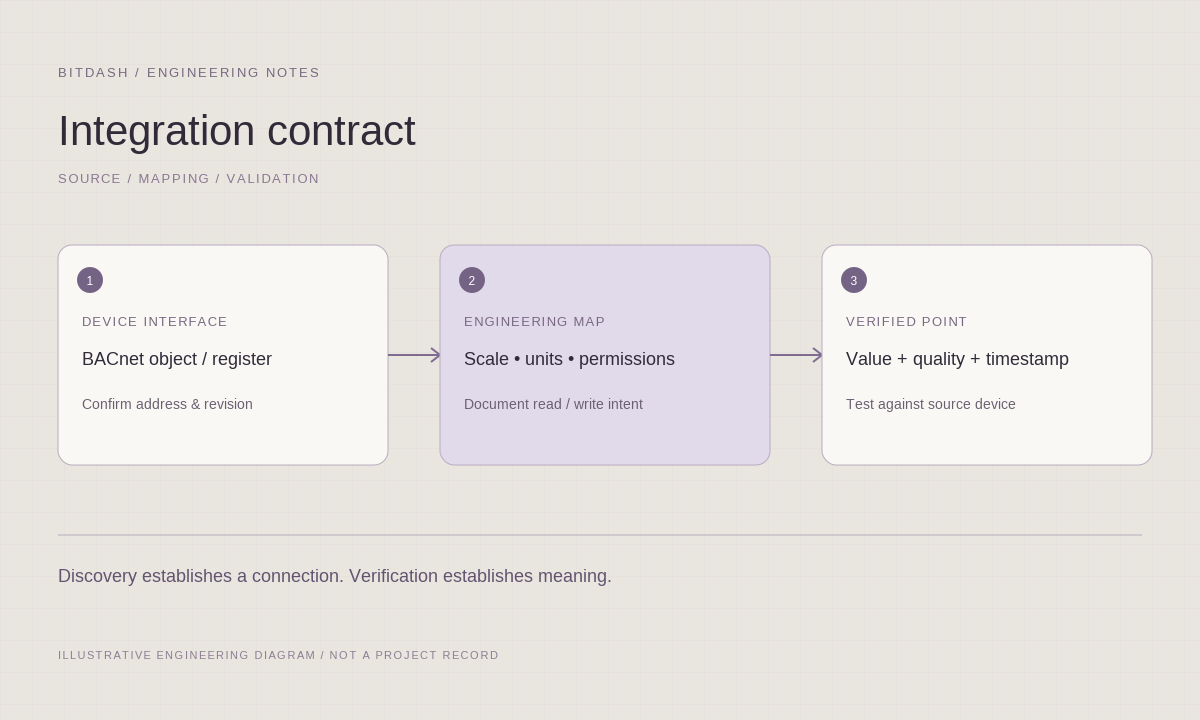
Coordinate every displayed value with the point database. Review the source, units, scaling, precision, permissions and quality treatment. Keep all operator temperatures in °F and ensure the underlying value has been converted correctly before the display is formatted.
Include unavailable and stale-data states in the review. A blank value, disconnected point and valid zero are different conditions. Command controls also need the agreed user permissions and a clear indication of the current operating state.
Review real workflows at the target size
Check common journeys using the intended operator screen and, where in scope, a compact mobile layout. Confirm that charts, labels and equipment links remain readable. Verify bindings and state changes against the current database rather than reviewing screenshots alone.
Bitdash can provide equipment visuals, floor navigation, dashboard components and platform-specific binding support. The handover should include agreed graphic standards, reusable components and the QA findings needed to maintain the interface.
| Operator question | Useful display context | Binding check |
|---|---|---|
| Why is this unit running? | Mode, schedule, request and proof | Correct status and schedule sources |
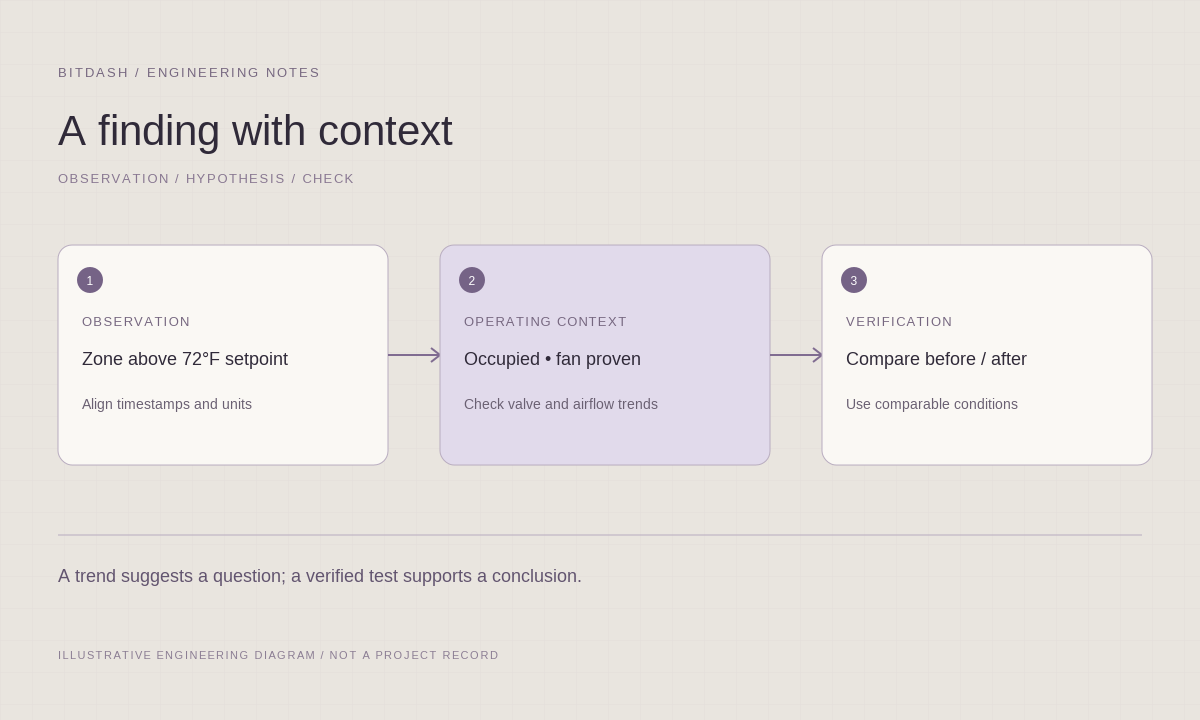
| Is this zone comfortable? | Measured °F, setpoint and occupancy | Unit conversion and zone identity |
| What caused this alarm? | Equipment context and relevant trend | Alarm source and history reference |
| Can I change this setting? | Permission and current command state | Authorized writable point |
A practical review checklist
- Navigation follows the actual building and equipment hierarchy.
- Temperatures, statuses and unavailable values have consistent treatment.
- Bindings and common operator journeys are reviewed.
This guide describes an engineering approach. Final design values, testing responsibilities and deliverables follow the approved project scope.