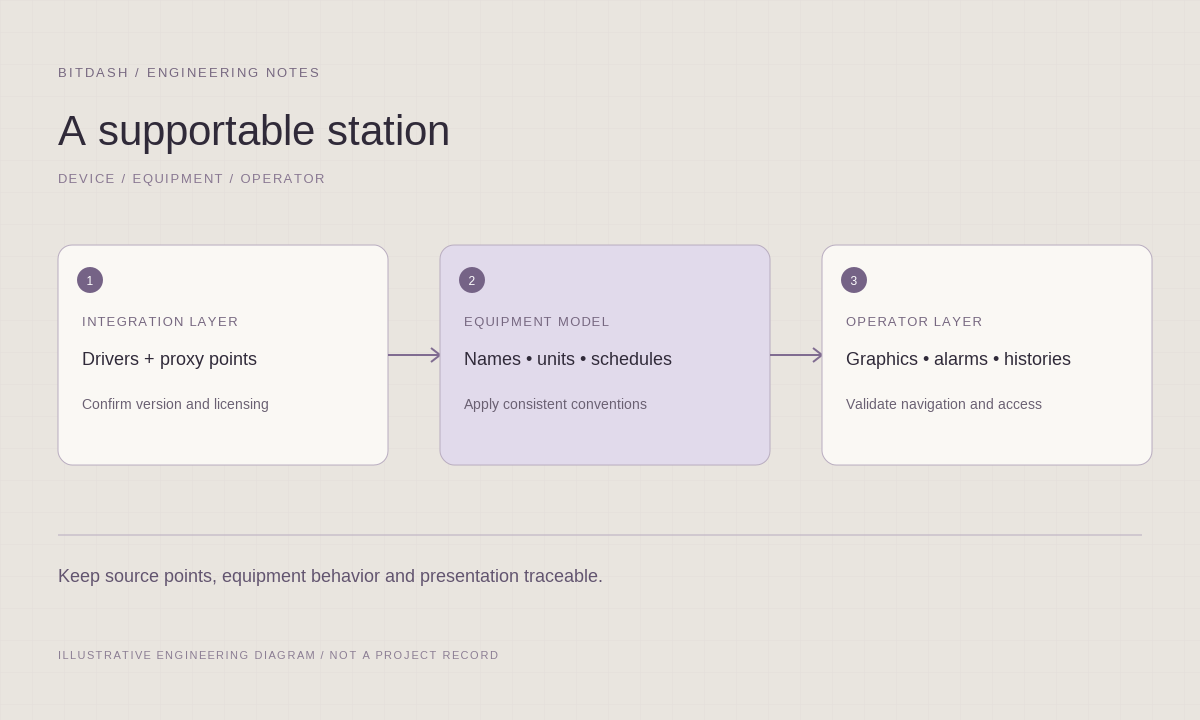
A clear station structure makes the relationships between equipment, points, graphics and records easier to support.
Understand the architecture first
Identify the Niagara version, JACE and Supervisor roles, installed modules, drivers and available license capacity. Establish which functions are intended to remain in field controllers and which are part of the agreed supervisory scope. Document the supported interfaces and the dependencies on external systems.
Tridium describes the Niagara Supervisor as a server-level platform for connected devices, with functions including graphical access, centralized histories, alarming and scheduling. Those capabilities are the platform context; the actual project scope depends on the installed architecture and licensed configuration.
Organize by equipment and intended use
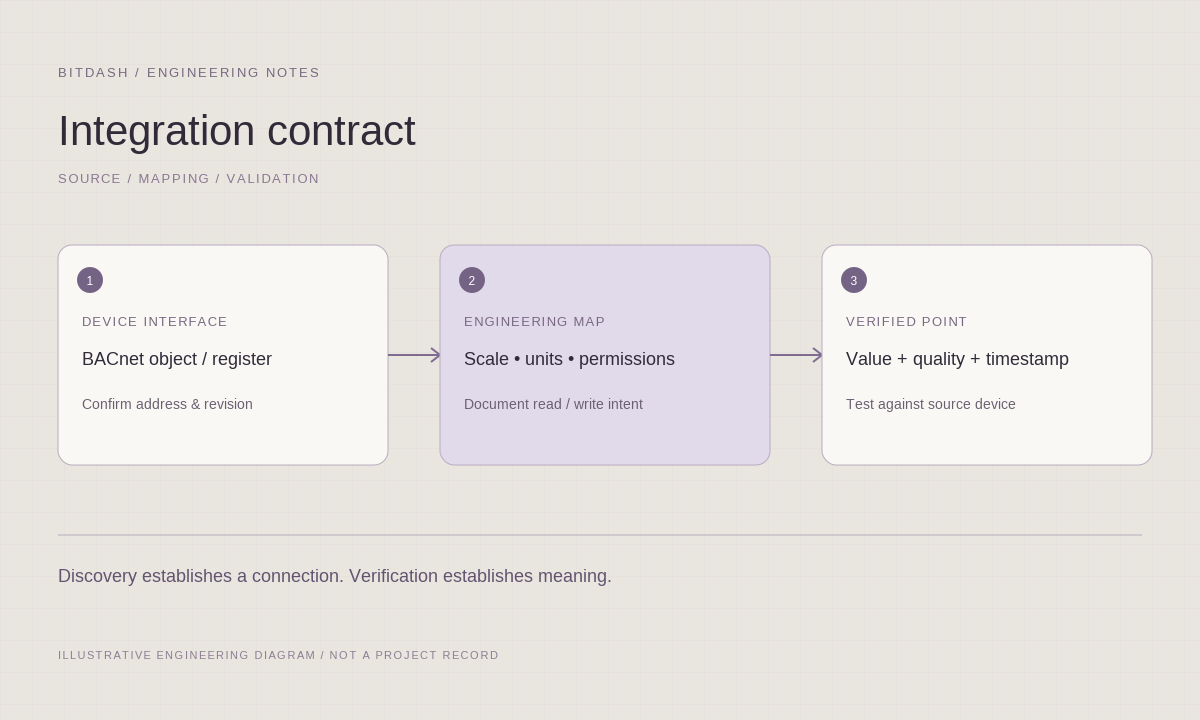
Agree stable equipment identifiers, naming conventions and units before copying or expanding templates. A point model should explain where a value comes from, which equipment it belongs to and how an operator or engineer uses it.
Review proxy points, calculations, schedules and graphic references together. Display temperature values in °F across the agreed views, and verify scaling before applying display formatting. Keep command permissions distinct from the presence of a value on a page.
Coordinate alarms and histories with the workflow
Define the events operators need to act on and the history evidence needed for review. Coordinate priorities, delays, messages and destinations with owner requirements. For histories, agree intervals, retention expectations and any transfer or archiving responsibilities.
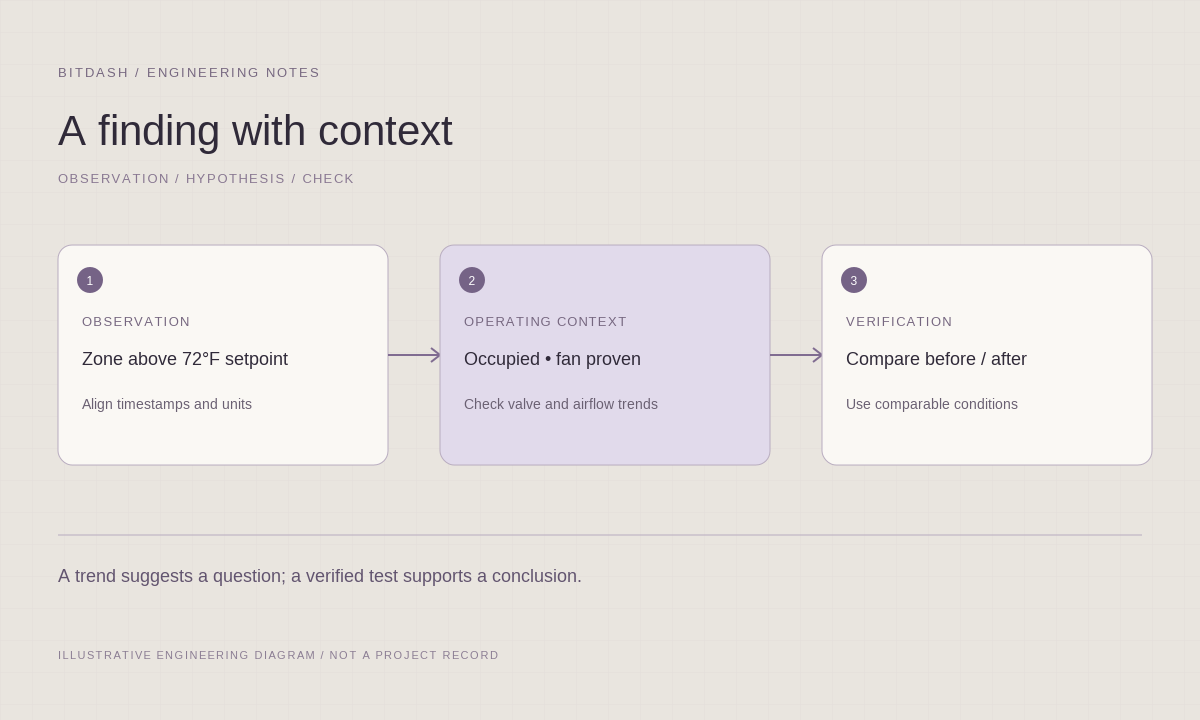
A useful alarm leads an operator to the right equipment and context. A useful trend retains enough detail to answer the intended question. Avoid treating point creation as proof that either workflow has been completed.
Make the release supportable
Review application behavior against the approved sequence and document the checks possible before deployment. Identify functions that require a connected field test. Coordinate the release window, backup method and rollback responsibilities with the project team.
Bitdash can connect Niagara station development with drawings, sequences, graphics and remote verification. The handover should identify the current application revision, relevant dependencies, reviewed exceptions and the records needed for ongoing support.
| Station layer | Engineering focus | Review record |
|---|---|---|
| Equipment structure | Consistent names and relationships | Naming and hierarchy review |
| Integrated points | Source, scaling, °F units and quality | Point-mapping checks |
| Operator services | Alarms, histories, schedules and views | Workflow and configuration review |
| Release | Backups, dependencies and deployment | Version and verification notes |
A practical review checklist
- Installed versions, modules and licenses are confirmed.
- Equipment, points and operator views use a coordinated structure.
- Release files and outstanding field checks are documented.
Technical references
Platform and protocol context. Project requirements are confirmed against the installed equipment and approved design.
This guide describes an engineering approach. Final design values, testing responsibilities and deliverables follow the approved project scope.